
Being a musician in the digital age requires access to quality audio gear on the go.
Obviously, this can be tough since you can’t drag your whole studio around with you…or can you?
Today’s iPads are more advanced than ever, and you can even use an iPad as a portable digital audio workstation (DAW).
DAW software lets you turn your iPad into a mini-studio environment where you can record, edit, mix and share your music with others.
If you’ve always wanted to produce on the go, below are our picks for some of the best DAW software for iPad.
Choosing The Best DAW Software For iPad
If you are limited to using an iPad for your music production efforts, there are still some great options out there. Below are our top picks of the best DAW software for making music on an iPad:
| DAW Software | Best For | Key Features |
|---|---|---|
| FL Studio Mobile | Overall iPad Use | Loop-based music creation, step sequencer, sample import and recording, project transfer between iPad and studio computer. |
| Apple GarageBand | Free Option | Full recording and editing features, intuitive interface, designed for Apple products, powerful effects. |
| Steinberg Cubasis | Traditional DAW Experience | Timeline recording and editing, touch controls for samples and virtual instruments, compatibility with various interfaces, comprehensive editing and effects. |
| Akai iMPC Pro 2 | Beatmakers | Sampling tools, touch control pads, timeline view, suitable for live performance and sample-based melodies. |
| WaveMachine Labs Auria Pro | Technical and MIDI Sequencing | MIDI sequencing, piano roll, time signature and tempo controls, six aux sends, track bounce in place, transient slicing, external hard drive support for file backup. |
| Logic Pro for iPad | Most Complete DAW | Most of the Logic feature set for touch, large plugin library shared with the Mac version, Live Loops, project round-trip with Logic Pro on Mac, subscription with a free trial. |
Learn Music Theory by Ear
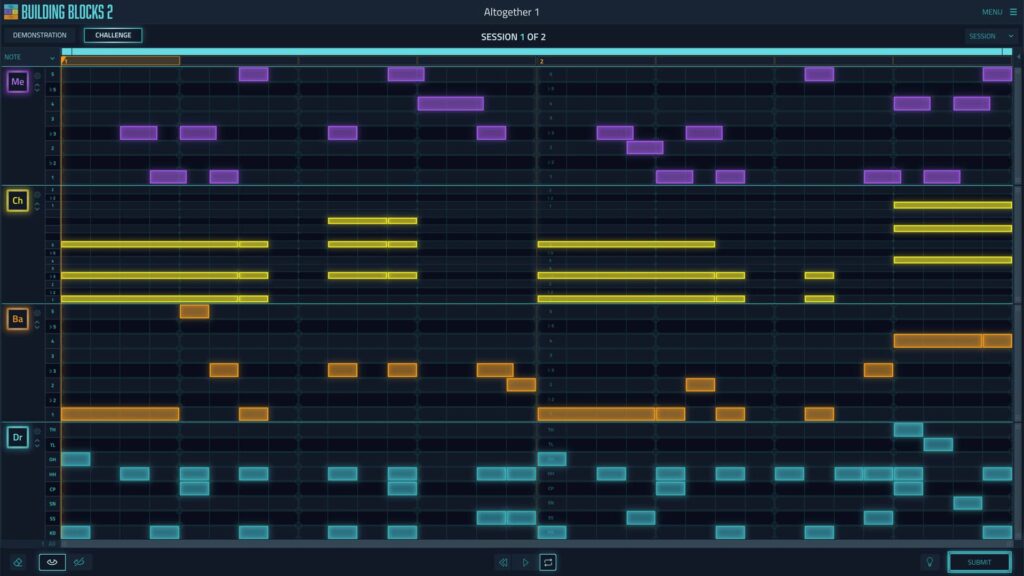
Building Blocks trains your ear to hear chords, melodies and basslines, so whatever you make in your DAW sounds like you meant it. Video-game style.
Most Complete DAW: Logic Pro for iPad
Apple brought Logic Pro to the iPad in 2023, and it changed this list. It’s most of the Logic feature set adapted for touch: multitrack recording, a large instrument and effect library shared with the Mac version (a few Mac plugins are playback-only on the iPad), Live Loops, a mixer built for fingers and the Apple Pencil, and project round-trip with Logic Pro on the Mac for everything except a handful of Mac-only project types.
It’s sold by subscription, on its own or as part of Apple Creator Studio, with a free trial rather than as a one-off purchase, and it wants a reasonably recent iPad with an A12 Bionic chip or later. If you already work in Logic or GarageBand this is the obvious pick, and if you want one app that does everything on the iPad, it’s the most complete DAW here.
Best For Loop-Based Production: FL Studio Mobile
FL Studio is one of the most unique DAWs on the market. While it does include audio recording capabilities, the real power behind this innovative DAW is it’s loop-based approach to making music.
Whether you use the step sequencer or you import or record samples, FL Studio for iOS lets you make music fast and efficiently.
I personally think FL Studio is the best DAW software for iPad if you’re looking for a tool that’s focused on loop-based production and beats.
I can sit on a bus, in my office or in bed and still make amazing tracks on my iPad using FL Studio.
The nice thing is that, aside from the included effects and integrated virtual mixer, I can also transfer my projects from the iPad to my studio computer if I want to keep working on something in a bigger space later.
Best Free DAW For iPad: Apple GarageBand
GarageBand is one of the best tools you can use on a Mac when you’re just getting into digital recording and production. I think Apple saw the success of GarageBand and decided that its functionality would fit right in on a mobile platform.
GarageBand for iOS offers virtually all of the same powerful recording and editing features found in the Mac version, and the fact that GarageBand was designed by Apple for use exclusively with Apple products means that GarageBand works without so much as a hiccup on an iPad.
Among other things, I feel like the ability to record, edit and mix using an intuitive interface and powerful included effects, all of which make GarageBand the best free iPad DAW. If you’d rather work on a phone, see our guide to mobile DAWs.
Most Feature Rich: Steinberg Cubasis
Much like its older desktop brother, Cubase, Cubasis delivers a serious punch for recording, editing and mixing on iPad.
One thing I really like about using Cubasis is that it offers me a traditional DAW experience through its timeline recording and editing.
Sometimes, I don’t feel like working at my studio computer, and Cubasis has enough tools and features to let me get work done from my iPad just as if I were behind my console.
Cubasis functions in various modes for different needs. If you want to jam and just have fun tinkering with ideas, you can use Cubasis’ touch controls to punch up samples and play virtual instruments.
When I’m ready to record, I can use the iPad’s built-in mic or hook up any number of compatible interfaces. Editing is a breeze when using Cubasis because of the aforementioned timeline scheme, and Cubasis also provides plenty of effects to shape my sound.
Best For Beatmakers: Akai iMPC Pro 2
Back in the day, Akai made history with its famous pad controllers, many of which shaped the sound of the 1970s and 1980s.
In those days, it was a technical marvel to be able to physically play a digital instrument, and Akai’s pad controllers took off like a rocket.
Today, Akai continues its tradition of innovation by incorporating this same technology into its iMPC Pro 2 DAW for iPad.
iMPC Pro 2 features convenient sampling tools, touch control pads, and a timeline view that lets me organize everything perfectly on an iPad screen.
Whether I want to play some beats live and jam with other musicians or I need to record some beats and sample-based melodies while away from home, I can always count on iMPC Pro 2 to be the best DAW for iPad when it comes to versatility.
WaveMachine Labs Auria Pro
Known most notably for its Drumagog plugin, WaveMachine Labs has quite a bit of experience in designing digital audio tools.
The brand’s Auria Pro DAW carries on WaveMachine Labs’ same commitment to innovative and musician-focused design.
Auria Pro features powerful MIDI sequencing tools that let me make music quickly, and I can edit MIDI using the piano roll and the included time signature and tempo controls.
When it comes to the technical stuff, Auria Pro provides six aux sends, the ability to bounce tracks in place, and transient slicing for better sound.
Also, Auria Pro lets you send files to an external hard drive for secure backup and protection.
Final Thoughts on Choosing The Best DAW Software For iPad
Any of the iPad DAW options in our list are going to provide convenience and power. Which one you use really comes down to your personal taste.
Some DAW software for iPad, like FL Studio, takes a little bit of getting used to, but once you’ve found your favorite, you’ll wonder how you ever lived without the ability to make music from your mobile device.
Learn Music Theory by Ear
Building Blocks trains your ear to hear chords, melodies and basslines, so whatever you make in your DAW sounds like you meant it. Video-game style.

Kevin is the founder of Music With Flavor, a network of industry experts focused on music marketing for indie musicians. A seasoned musician turned industry expert, he and his team research trends, connect with artists and gather the strategies that actually work.